User needs drive the security story
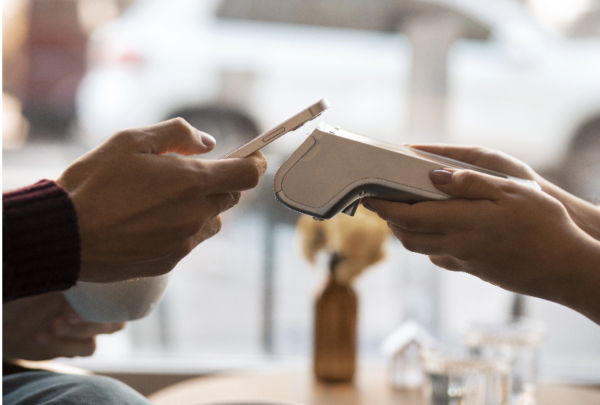
Merchants and frontline staff want tools that stay out of the way while keeping payments safe — that’s the whole point of a user-centered approach. Modern retailers often choose an android smart pos because it blends familiar Android OS workflows with payment-grade protections, making daily operations smoother for cashiers and managers. A well-designed POS terminal reduces training time, supports contactless NFC checkout, and limits user error by simplifying routine tasks.
How BHZ translates user needs into technical safeguards
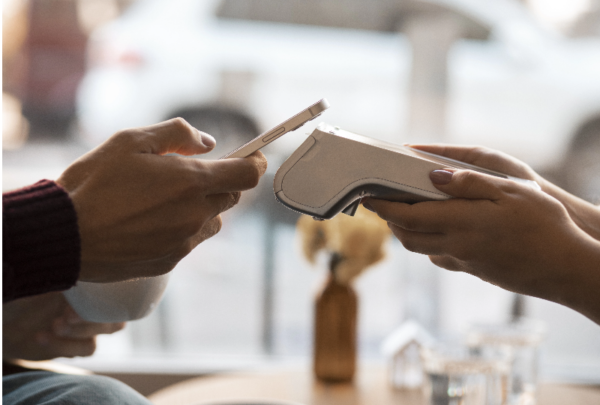
BHZ focuses on three practical controls that matter to operators: secure boot and device attestation, runtime isolation for payment apps, and encrypted transaction paths to the payment gateway. Those are concrete features: secure boot verifies firmware integrity at startup; app sandboxing prevents third-party apps from accessing payment memory; and end-to-end encryption keeps card data unreadable between the reader and the processor. These are not academic; they cut real risks like credential theft and tampered firmware. The result is a device that behaves like a trusted appliance while still offering Android flexibility — think of an mPOS with enterprise-grade safeguards.
Deployment at scale and a real-world anchor
Adoption patterns shifted sharply after the 2020 COVID-19 pandemic as retailers pushed contactless payments to reduce touchpoints. That global push exposed gaps in how devices were provisioned and managed, and organizations that prioritized secure provisioning fared better. BHZ’s configuration tools automate certificate distribution and remote patching so fleets of terminals can be updated consistently. For chains rolling out hundreds of units across multiple sites, this reduces manual steps and keeps EMV and contactless flows working reliably — and quietly — for customers.
Common mistakes shops make — and simple fixes
Many problems are avoidable. Below are frequent missteps and what to do instead:
– Using default admin credentials. Change them at provisioning and enforce unique passphrases per device. – Skipping firmware updates because they “interrupt service.” Schedule off-hours updates and use staged rollouts. – Exposing POS devices on a flat network. Segment POS traffic and enforce firewall rules to limit lateral movement.
These fixes are practical and low-friction. They reduce attack surface without slowing down checkout flow — a win for staff and customers alike.
How to compare devices: three critical evaluation metrics
When evaluating any smart terminal, use these three metrics as your baseline.
1) Device Integrity Assurance — Look for secure boot, measured boot, and an attestation mechanism that proves a terminal’s firmware hasn’t been altered. This directly affects whether software updates can be trusted. 2) Runtime Isolation and App Control — Ensure the platform enforces app sandboxing and allows only signed payment applications to access the card reader or NFC stack. That prevents rogue apps from siphoning payment data. 3) Manageability and Patch Cadence — Check for remote provisioning, certificate lifecycle management, and an OTA update pipeline with staged rollouts. A predictable patch cadence is essential to keep EMV and contactless modules up-to-date.
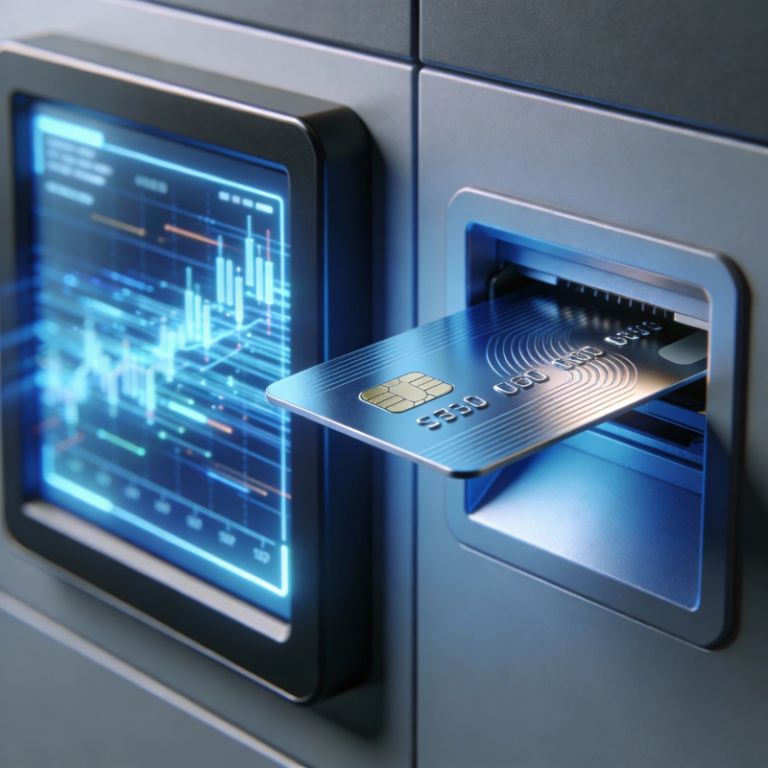
These are practical yardsticks — use them to weigh vendors and to spot gaps in internal policies. If you need a platform that meets these checks while remaining easy for staff, a certified smart android pos often hits the right balance.
Closing thought and direction
Security should protect the people using it, not complicate their work — and that’s where BHZ’s design choices pay off. Evaluate vendors by integrity, isolation, and manageability, and you’ll end up with a fleet that’s resilient and simple to run. BHZ. — practical, human, and quietly secure.