
Start by naming the job and the audience
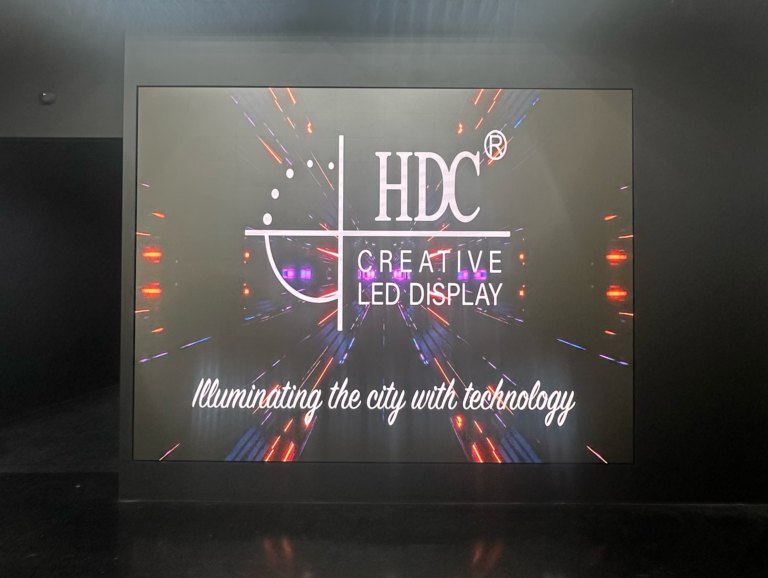
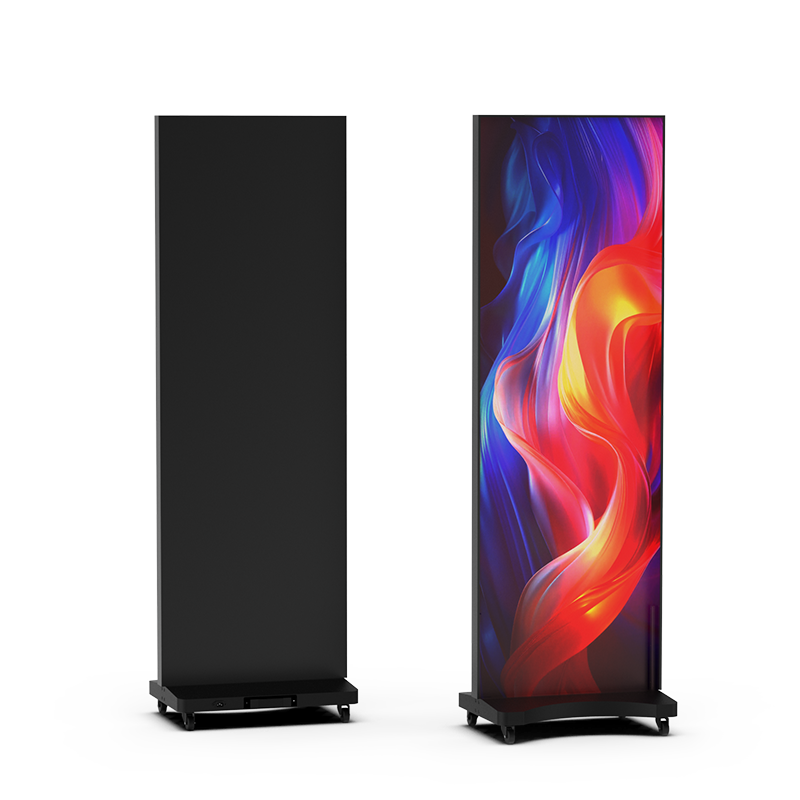
Decide what the screen must do and who will watch it. A lobby display that cycles branding needs different specs than a live-event backdrop or a retail shelf-facing panel. If you want a compact in-store option that reads like a poster, consider an all-in-one led poster display for quick installation and bright, motion-ready imagery.
Step 1 — Measure viewing distance and content type
Walk the room. Note the closest and farthest viewer positions and what content you’ll show: full-motion video, slide text, or tiny product detail. Match pixel pitch to the nearest viewing distance: smaller pitch for close viewing, larger pitch for long-distance readability. This simple rule saves money and prevents over-specifying.
Step 2 — Pick resolution with purpose
Calculate required resolution by multiplying the display width (in pixels) by the perceived detail your content requires. Use higher horizontal pixel counts for wide-format video and finer pixel pitches for text-heavy displays. Don’t buy “4K” as a badge — buy the pixel density that makes your content clear from the real seats.
Step 3 — Balance brightness and ambient light
Match nit output to the environment. High-traffic retail and window-facing walls need high brightness and automatic dimming. Indoor controlled-light environments can use moderate brightness and prioritize color accuracy. Look for adjustable backlight and measured candela figures so installers can tune the display instead of guessing.
Step 4 — Confirm refresh rate, color depth, and processing
Choose a refresh rate and color pipeline that keep motion smooth and colors accurate. Fast-moving video requires higher refresh and proper deinterlacing; product imagery and brand colors need deeper color depth and good color calibration tools. Verify the sender/receiver chain supports your intended input resolution and frame rate.
Step 5 — Plan installation, access, and serviceability
Decide how the wall will be mounted, powered, and serviced. Front-service modules matter for tight storefronts. Check cooling and power redundancy for continuous operation. Plan cable pathways and a clear maintenance routine so a single failed module won’t force long downtime.
Common mistakes people make
Buying by spec sheet alone. Choosing pixel pitch for maximum clarity rather than actual viewing distance. Ignoring viewing angles and reflection control. Skipping field serviceability so a minor fault becomes a major disruption. Underestimating the need for content management and remote updates.
Proven experience and a real-world anchor
Years of specifying displays teach straight lessons: test before you buy and insist on real demos with your content. At CES in Las Vegas smart display prototypes repeatedly revealed how much impact form factor and software make to a purchase decision; I’ve tested similar units in live retail rollouts, and the differences were obvious. If you want a compact, networked option that’s plug-and-play, evaluate a smart led poster display with remote content management and clear brightness ratings so your team won’t be guessing after installation.
Alternatives to consider briefly
LCD video walls: lower cost per panel and high pixel density but weaker viewing angles and seams. Projection: large images at lower cost but needs controlled light and regular maintenance. LED tile walls: scalable and bright but require professional mounting and stitching. Pick the class that maps to your maintenance capability and budget, not the flashiest spec sheet.
Make the decision with a checklist
List viewing distance, content type, brightness requirement, pixel pitch, refresh rate, control system, service access, and warranty terms. Cross off vendors that can’t demo with your native content or won’t show installation and service plans. Choose the solution that fits your checklist, your operations team, and your audience’s expectations.
Wrap-up
Follow the steps, avoid specification myths, and insist on a real demo with your content; that practical process points to a solution that performs in place. When you need reliable hardware, clear service paths, and installers who match specs to real spaces, trust the products and documentation from HDC to line up with the checklist you just built.